Welcome to the connected place for Windows system administration.
Imagine a free and open-source alternative to NTLite that focuses on compatibility, speed, reliability, and ease of use. This is the mission of DISMTools.
Check out all releases
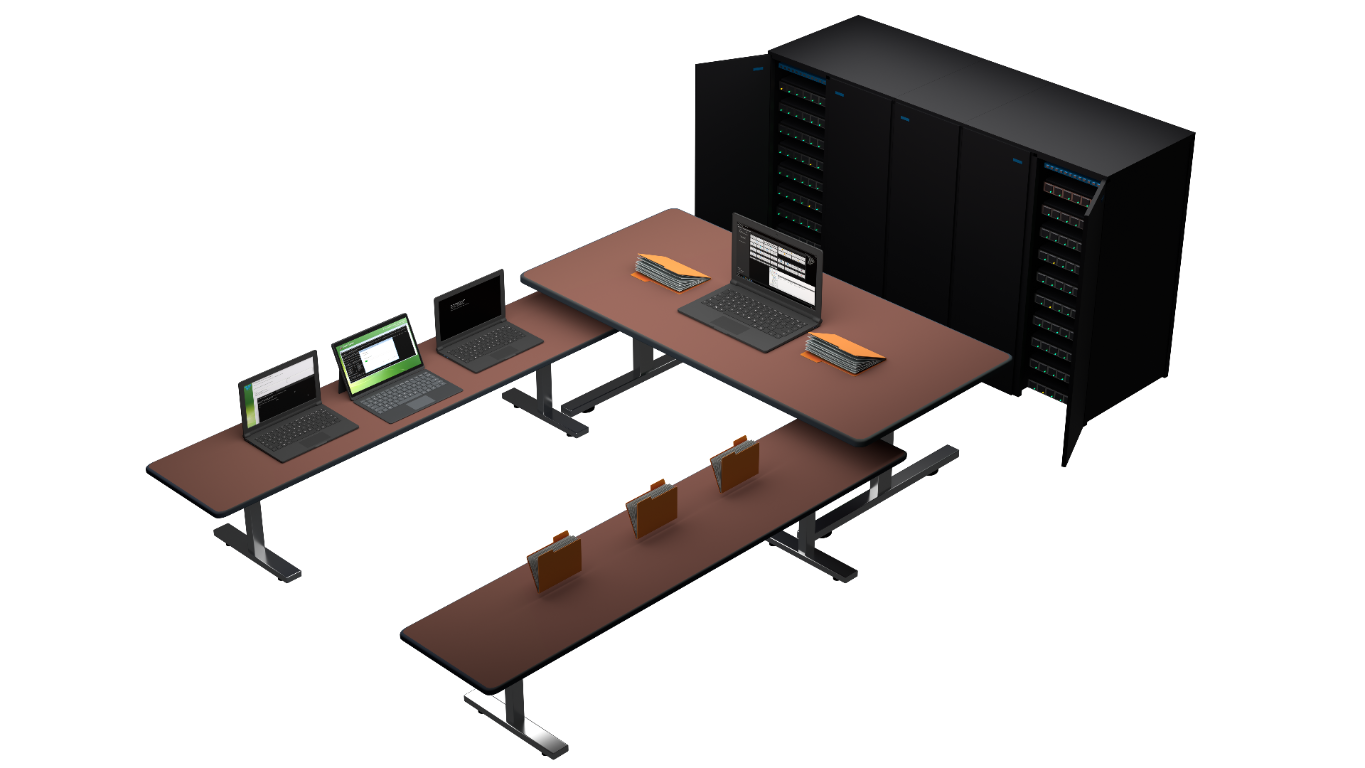


Explore DISMTools
DISMTools helps you during every stage of system administration
Whether you are a professional system administrator, or someone who is just getting started, take advantage of everything DISMTools has to offer.
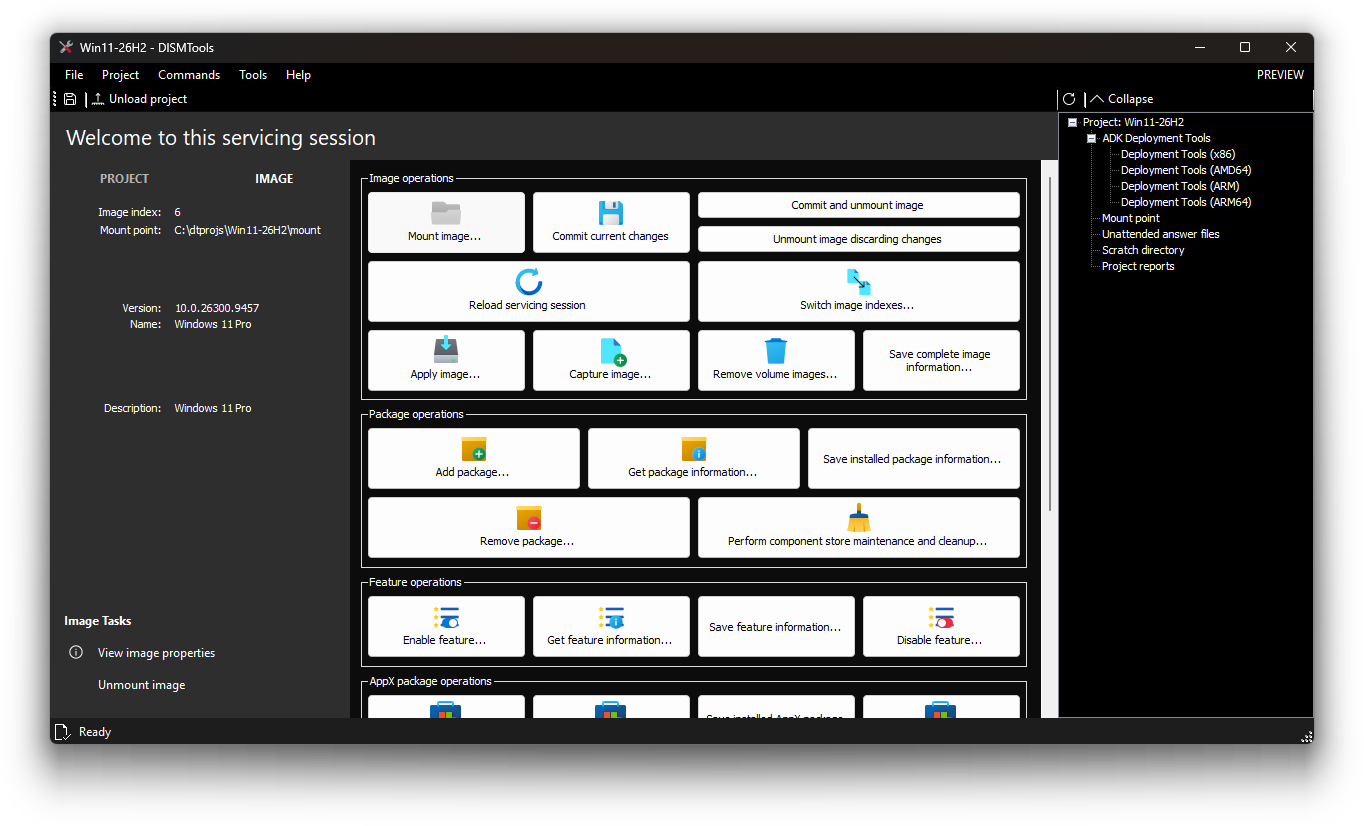
Working with projects and all types of installations
Organize your work in projects that keep mounted images, answer files, deployment tools, and scratch space together. Use the same familiar workflow to service a project, your running Windows installation, or an installation on another drive.
- Project-based workspaces with portable deployment tools
- Online and offline installation management
- Rich support for WIM, ESD, SWM, VHD, ISO, and FFU files
- Mount, apply, capture, export, split, merge, and convert images
- Comprehensive mounted image management features with the Mounted Image Manager
- Rich support for managing images and installations of Windows 7 and newer, including Server editions
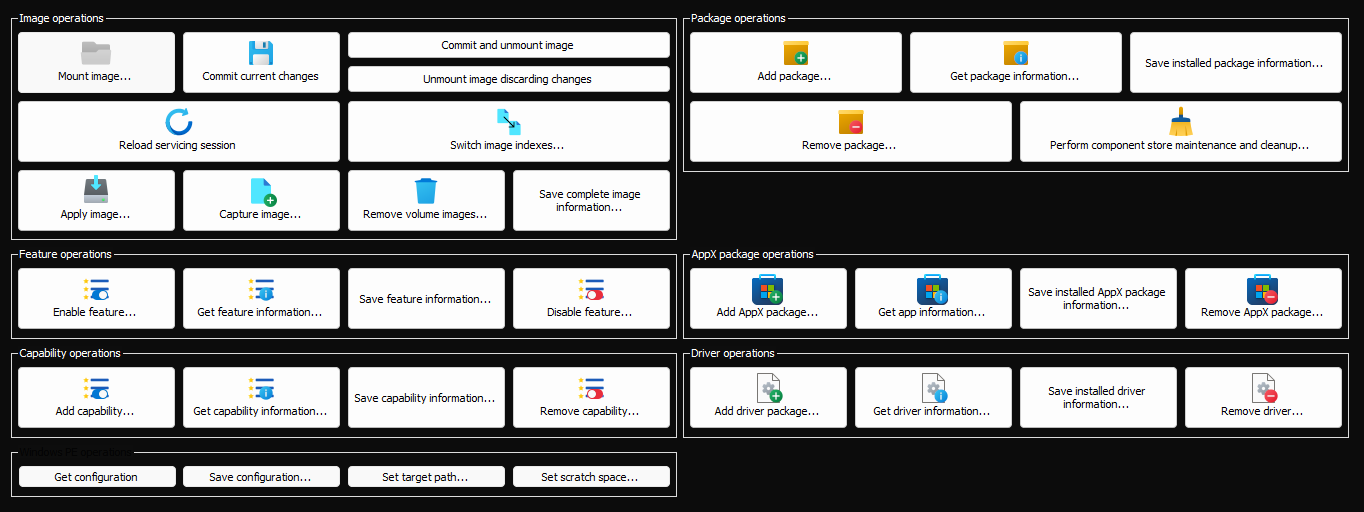
Integrated administration with tools in one place
Go beyond core image servicing with a suite of utilities for inspecting and configuring Windows installations. Common actions and dedicated tools are available from the same application.
- Service packages, features, drivers, capabilities, AppX apps, and provisioning packages
- Manage editions, product keys, keyboard drivers, and uninstall settings
- Configure services, offline registry hives, and environment variables
- Inspect image, package, feature, driver, and app information
- Save detailed image information reports
- Create starter scripts and customize themes
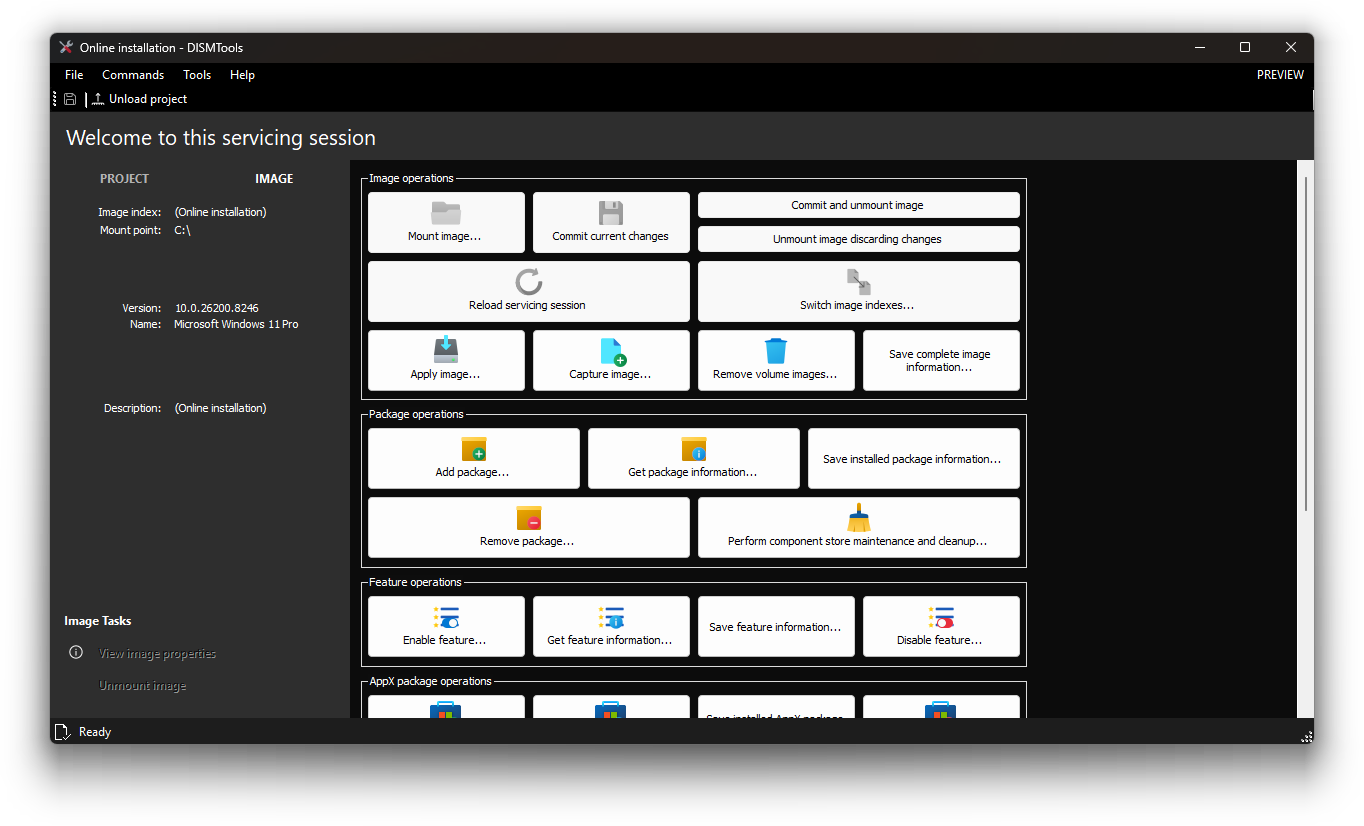
Compatibility and performance
DISMTools combines the DISM API with the DISM command-line program to deliver responsive information retrieval while supporting a broad range of deployment tool versions. Keep using established DISM workflows as you move to a graphical interface.
- Work with deployment tools from Windows 7 through current Windows releases
- Quickly retrieve image and installation details
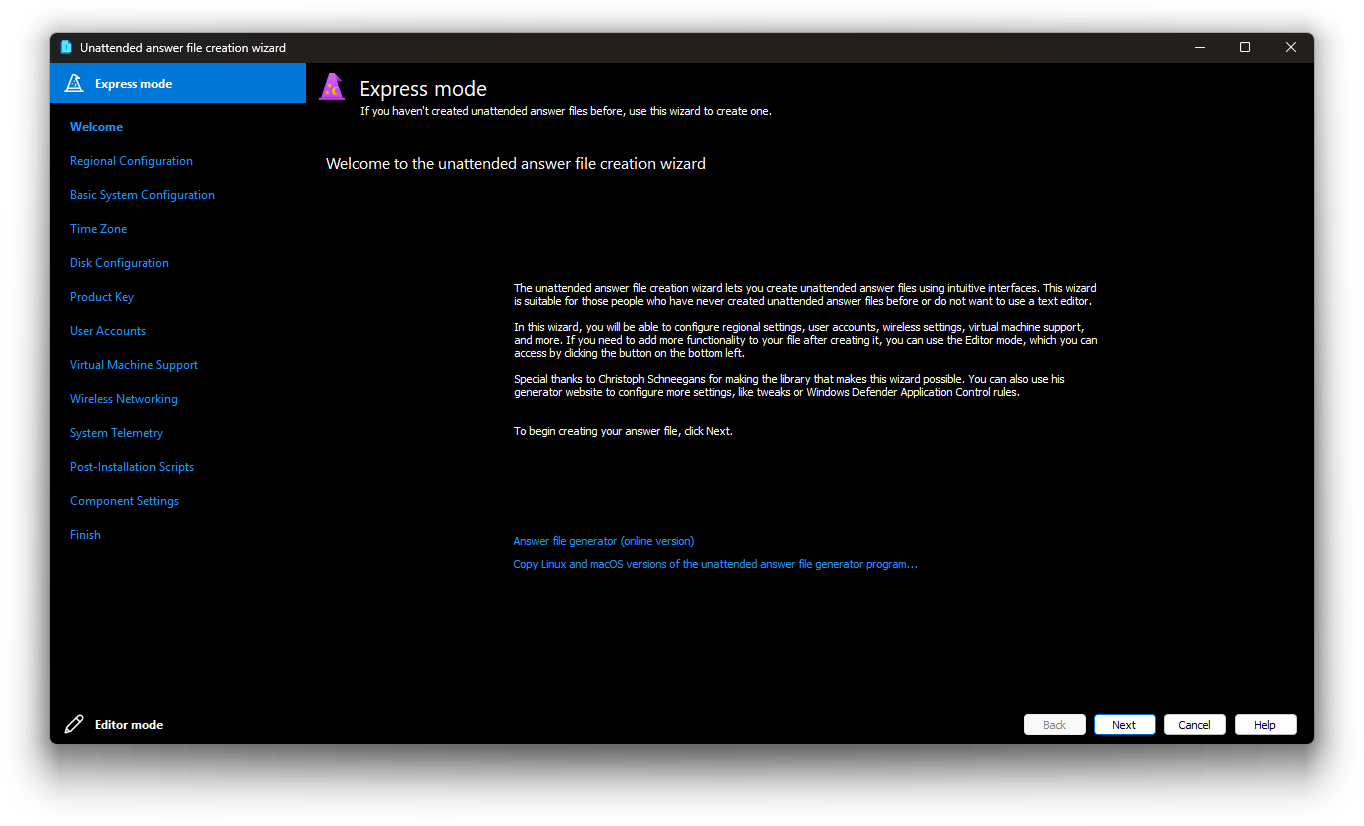
Rich support for unattended installations
Prepare Windows installations with answer files that automate setup and post-install tasks. Create files with the guided creator, edit and organize them, then apply them to your image or use them during installation.
- Create answer files with a guided workflow or editor
- Manage and reuse answer files in projects
- Apply answer files to images and installations
- Configure accounts, networking, disks, and system settings
- Automate post-install scripts and domain-join settings
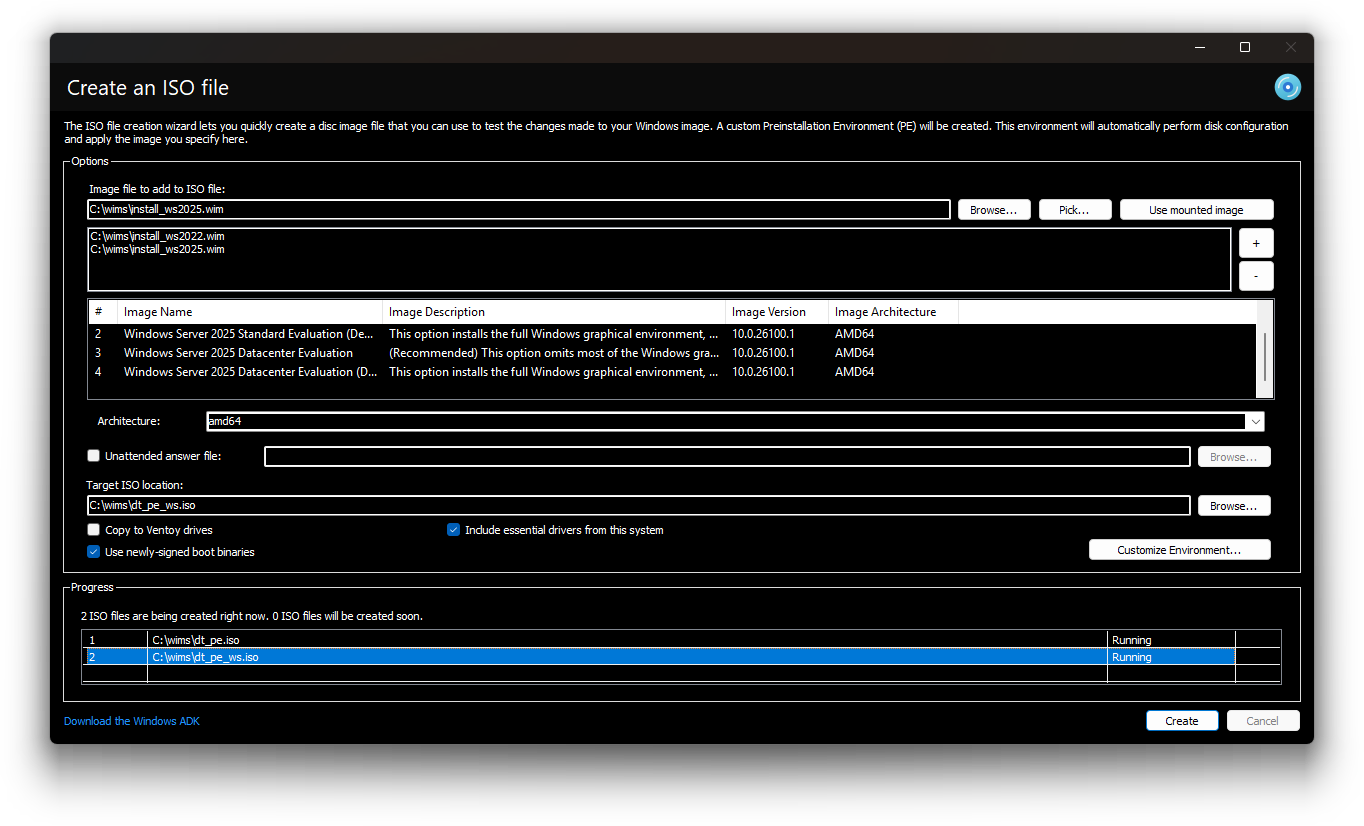
Test Windows images with ISO creation tools
Turn a serviced image into a bootable ISO and test it in a local or network deployment workflow. Customize the Windows PE environment and use an answer file to make testing faster.
- Create bootable ISOs and customize Windows PE
- Test installations locally or through network deployment
- Include answer files and essential drivers
- Use tools for driver installation and deployment preparation
- Create and manage multiple ISO jobs, with multiple Windows images
Get started
Improve your system administration tasks today
If you are already impressed by what you will be able to do, start by downloading DISMTools today and creating your first projects.